RADIO REQUEST WALKTHROUGH
Follow this guide after downloading the app to learn how to request songs on each station. For any questions or to report errors, please DM me on twitter at @camlovesyoongi!
MOBILE DISCLAIMER
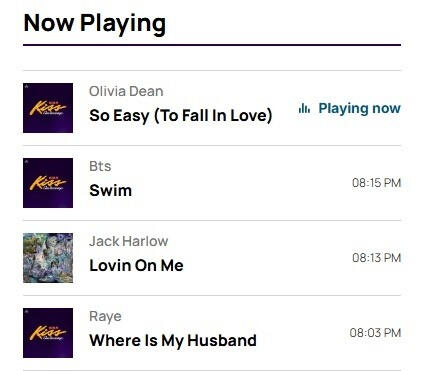
As of this moment, there isn't a way to set alerts on requests through the iHeartRadio mobile app. What encourages radio stations to play a song is audience and how much traffic a song can bring to the station. ARMY can check the recently played list and try to join the station when they play SWIM. Even though you request a song, that doesn't guarantee it will play. We need as many people to request multiple times a day as possible. If they don't play SWIM, request it again and again until they do! They will add the song to their rotation if they know demand is high.
STEP ONE:
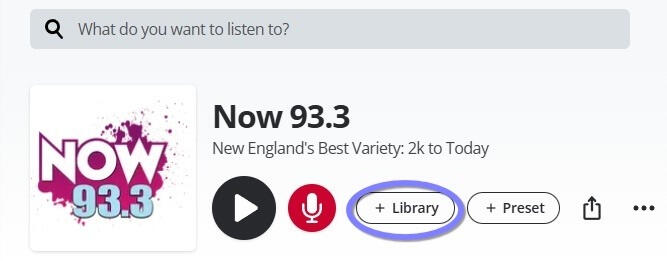
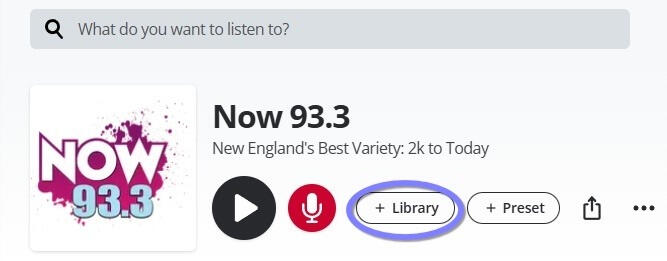
After downloading the app and creating an account, use the Radio Station Guide to link directly to each major radio station in the US' profile on the iHeartRadio app. Save the station in your 'Library' so you can easily access it daily.
STEP TWO:
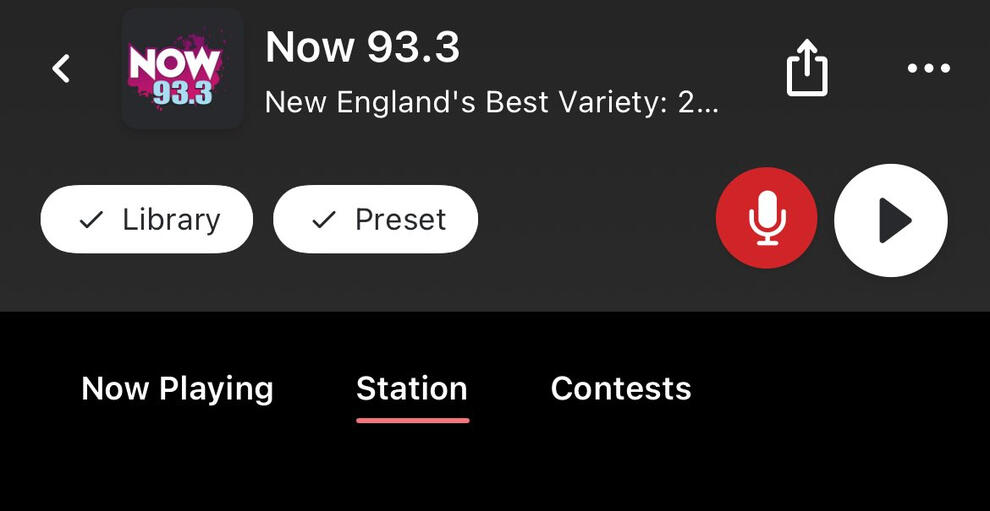
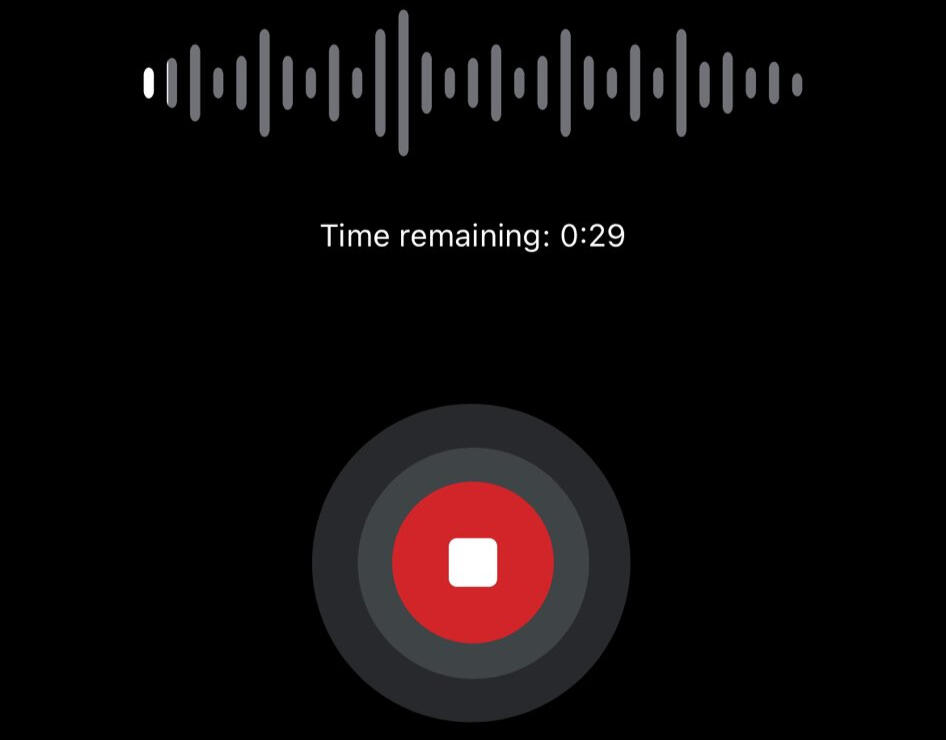
Use the red microphone button to record a request for the station and submit the request. Request the song as many times as you can throughout the day, even if they play SWIM once. The more requests made, the more likely stations will see the demand for the song and add it to their playlist regularly.Your request can be as simple as "Please play SWIM by BTS" don't overthink it!
STEP THREE:
LISTEN TO THE STATION!
Use SHAZAM to capture the song, and then listen while they play SWIM. The hard part is getting the stations to play SWIM. Geffen has officially added SWIM to radio stations around the US to impact plays, but even if they have the song in their library, that doesn't guarantee they will play it. Stations play songs that bring in listeners, try to tune in during SWIM. If stations see an influx of requests and listeners when they play BTS, they will continue to add them to their rotations more times a day. Rinse and Repeat with every station possible!We can do this ARMY!!
WEB DISCLAIMER
Requesting songs through song alerts on the website is different than on mobile and uses a link not connected to the iHeartRadio website. You can still save the radio stations to your Library, but you will need the link to request the song manually by typing the song into the search bar (explained in the steps below).You can come back to this guide to easily access the links to request, but YOU MUST save the station to monitor their Now Playing and tune in to the station when you recieve alerts that they play SWIM.You can access these links through your mobile web app, not just on a computer (safari, google, etc.).Some stations have song alert request forms, but aren't on iHeartRadio- you can still request and set text alerts and tune in on their website on computer or mobile.
STEP ONE:
First, use the Web link on the Radio Guide to save the station in your 'Library' on the iHeartRadio website (if available) so you can monitor their Queue and tune in when they play SWIM.This is also VERY important to do because then you can quickly access the station when they alert you to SWIM coming up in their playlist.